Make your venue account
Open the Lazarus portal and press Create an account.
- Venue name: the name of your arcade. Other venues see it on the shared leaderboards.
- Email and a password of at least 10 characters.
- Press CREATE ACCOUNT.
One PC runs every headset on your floor. A group walks in, you pick a game, press start, and they're playing. You pay per headset-hour, so every hour you sell is margin.
Awaken What's Possible.

A birthday in one room, a team outing in the other. The launcher runs them side by side, from the same desk.
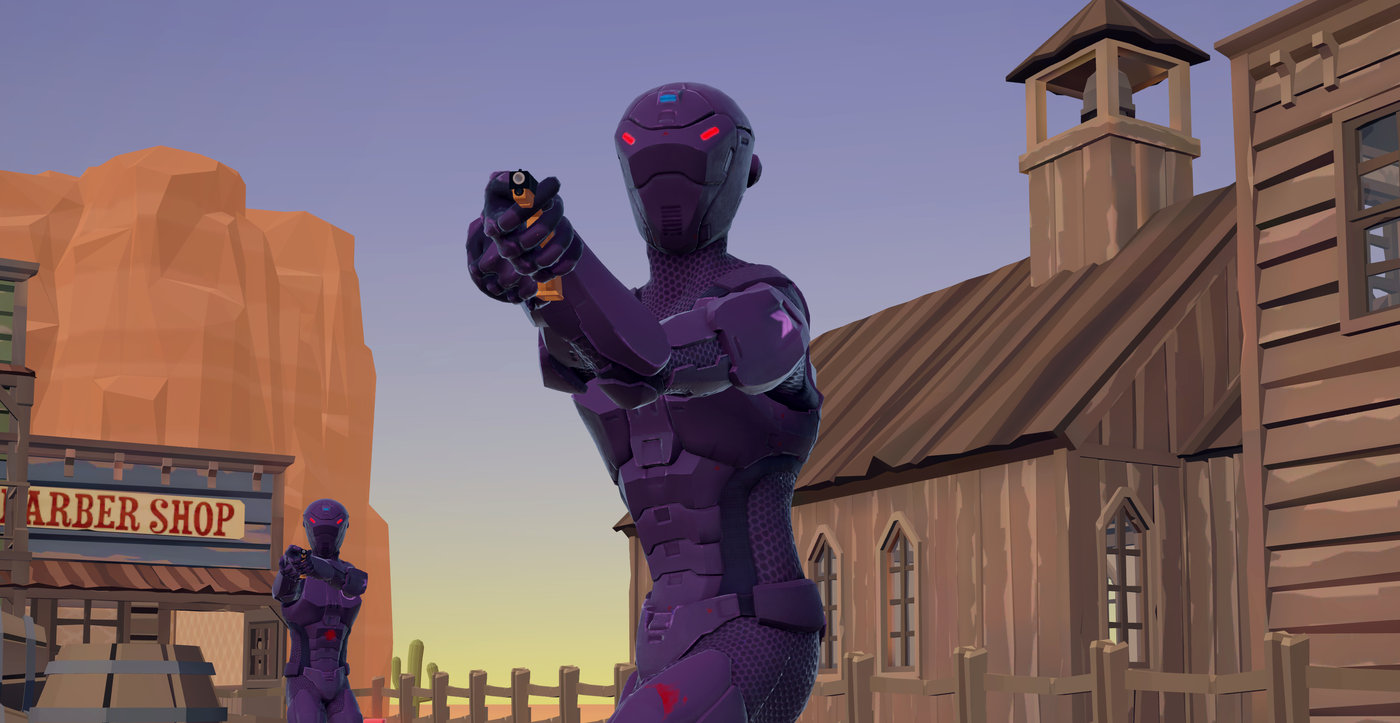
VRSUS runs one match at a time per PC; a second group picks another game.
This is a normal booking once the launcher is set up. No per-headset menus, no app hunting, no restarting.
Fill in your own prices. Play time is counted in embers: 1 ember is 1 player for 1 minute, so 60 embers is one headset for an hour.
Paid back after 10 sessions, within 2 days.
Lasts ≈ 4.2 weeks (166 sessions) · 1 pack a month
6% of your revenue goes to play time
Example figures, calculated from your inputs and the current pack prices (excl. VAT). A session is one group on all your headsets. Pure profit is your ticket revenue minus Lazarus play time. A month is 4.33 weeks.

We run VR sessions with real groups, so the launcher is built around what slows a floor down: walking from headset to headset, waiting on updates, and staff who need a manual. Whatever you need during a rush is one press away, and the rest stays out of the way.
Tick these off before step 1. Your ticks stay in this browser.
Do the steps in this order. Each one takes a few minutes, except the guided setup in step 6, which takes about an hour the first time. After that, opening the launcher is all you do.
Open the Lazarus portal and press Create an account.
We send a confirmation mail. Open it and click the link, then sign in on the portal with the same email and password.
In the portal, open Redeem a key, paste the key from your email and press REDEEM. The embers appear on your account straight away.
In the portal, open Get the launcher and press the download button. You get a .zip file.
Sign in with the same account you made in step 1. The first time, the launcher asks for your language and then sets up everything with you: the room, the WiFi, your headsets, the play space and a test game.
Choose a game, choose a mode, and the launcher starts it on every headset at once. Try VRSUS (Deathmatch, Team Deathmatch, Gun Game) or Nockturne.
A copy of the launcher screen with pretend headsets. Your host walks you through a whole booking, and every button explains itself when you hold the mouse on it.
▶Between €4.51 and €2.40 per headset-hour, depending on the pack. The Venue pack is €999 excl. VAT for 333 headset-hours, about a month for four headsets.
Yes. Meta Quest and Pico headsets work with developer mode on. You need a USB cable once, during setup.
If they can take a booking, they can run the floor: pick a game, pick a mode, press start. The guide behind the ? button covers the rest.
Yes. The launcher checks for a new version when it opens, shows what changed and installs it for you. There is nothing to download or pay for separately.
Yes. Scores go on shared leaderboards under your venue name, which gives groups a reason to come back and beat them.
You keep everything you set up and top up with an ember pack in the portal. Embers you buy never expire, so a quiet month costs you nothing.

Want a hand? Call or WhatsApp us and we'll do the install with you remotely: +31 6 82 07 23 41
Lazarus Studios · ROI figures are examples based on the numbers you enter. Embers from a demo key expire at the end of the trial. · Press kit